01
Dashboard
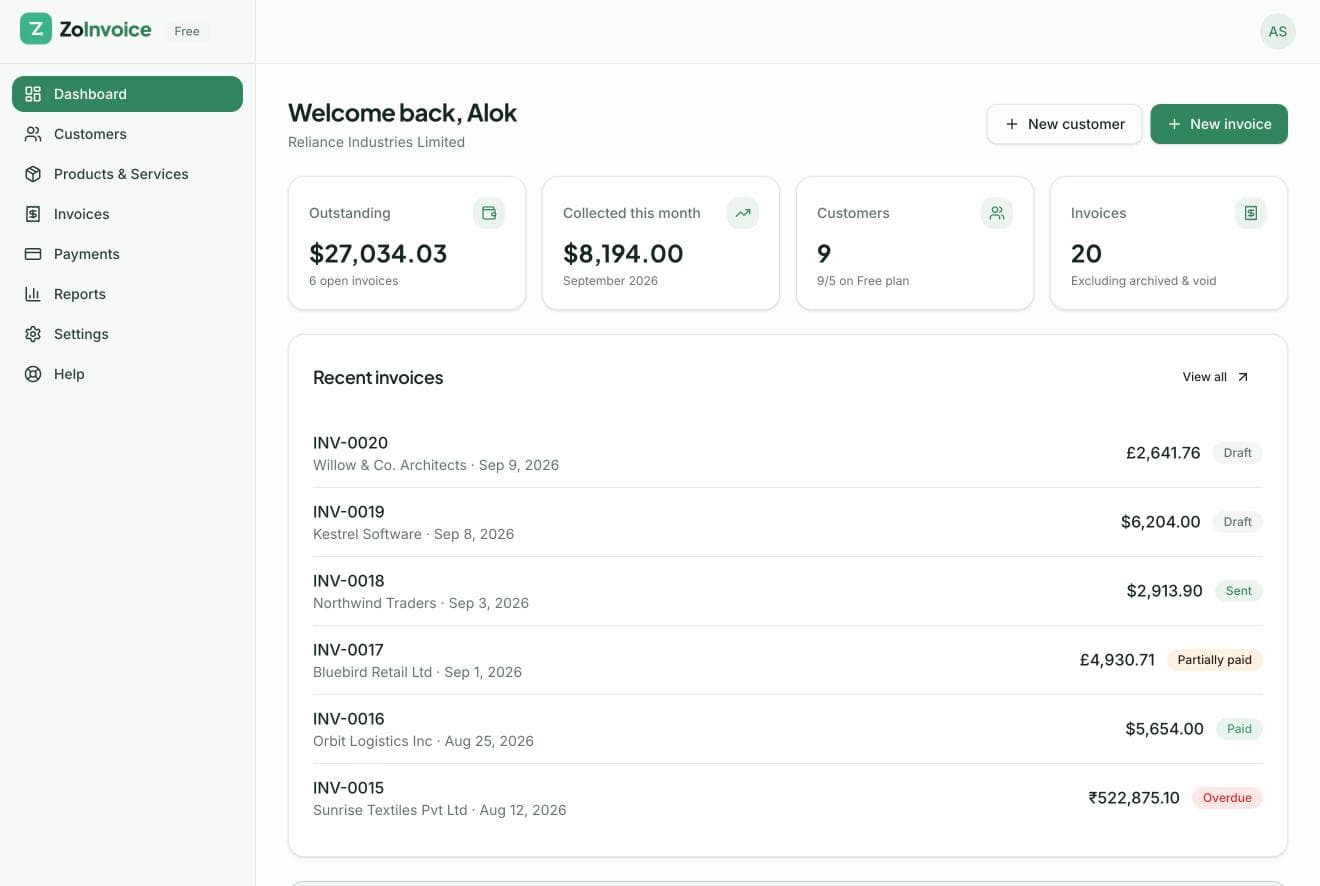
Revenue, outstanding balance, overdue invoices and recent activity, all rolled up to your base currency.
Real screens from the app — from your first invoice to the reports you hand your accountant. No demo booking required.
01
Revenue, outstanding balance, overdue invoices and recent activity, all rolled up to your base currency.
02
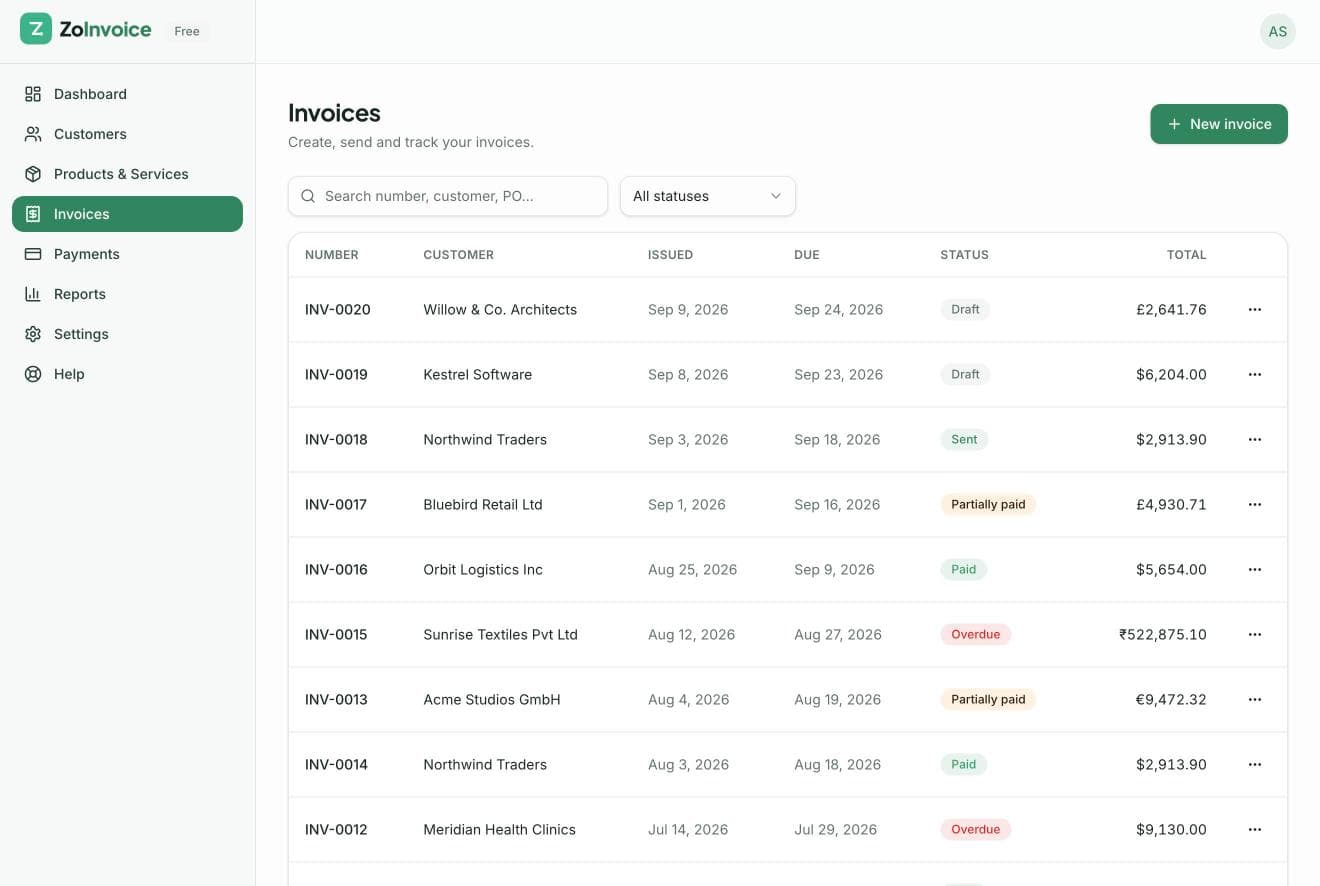
Every invoice with its status, customer, currency and balance. Filter by status and search in a click.
03
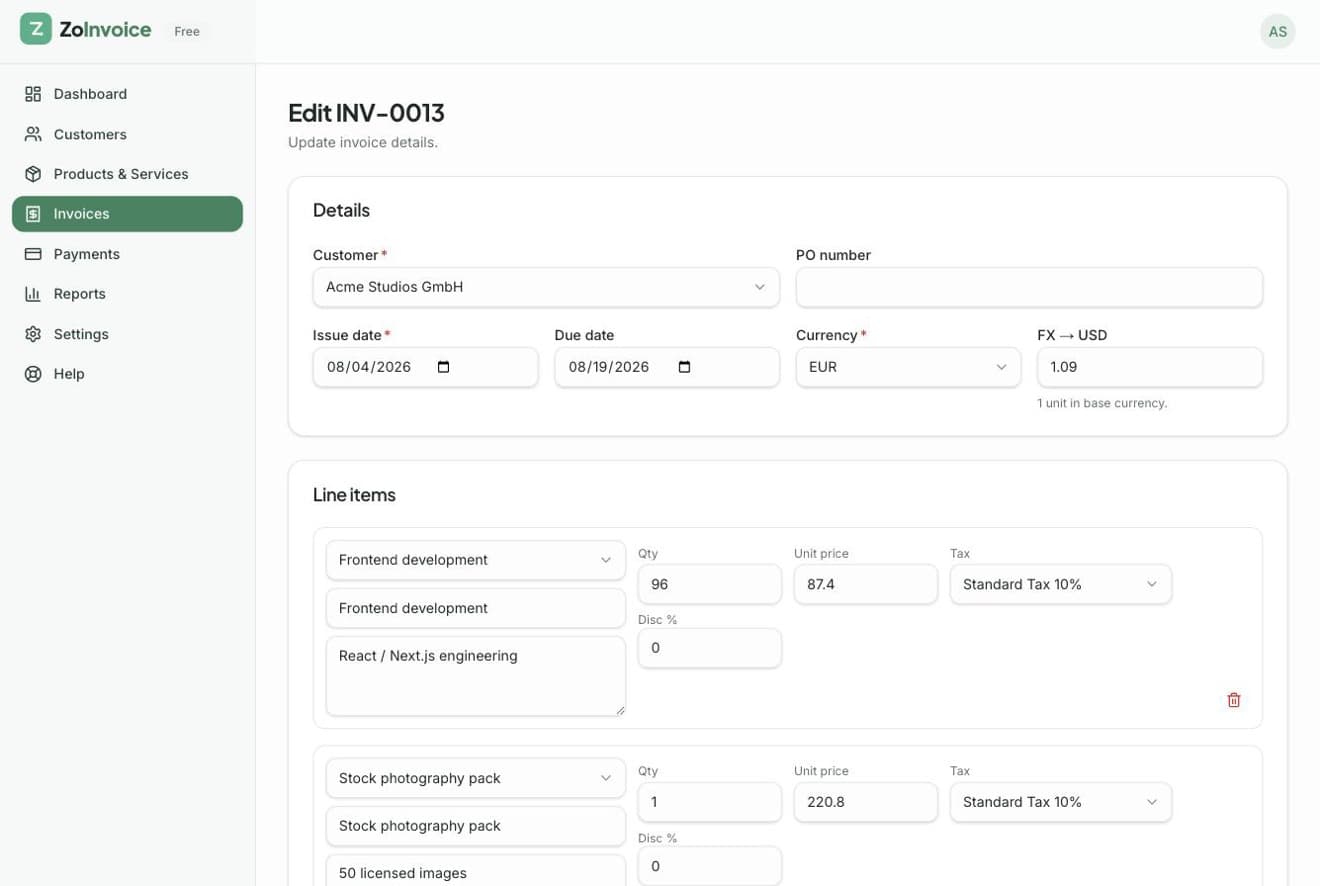
Pick products, apply discounts and multi-component taxes, and watch totals update as you type.
04
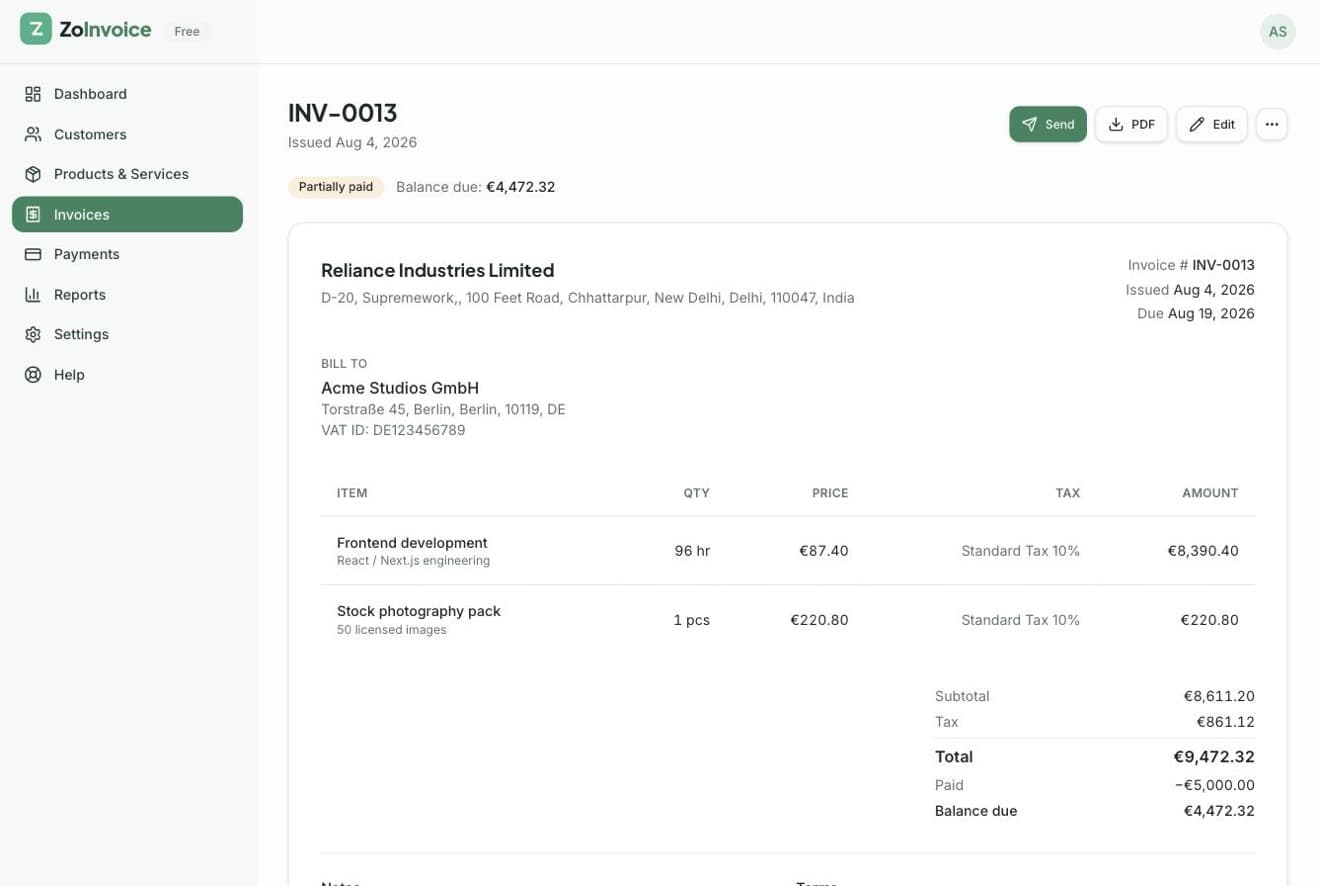
Preview the PDF, send it to your client, record payments and track every version in one place.
05
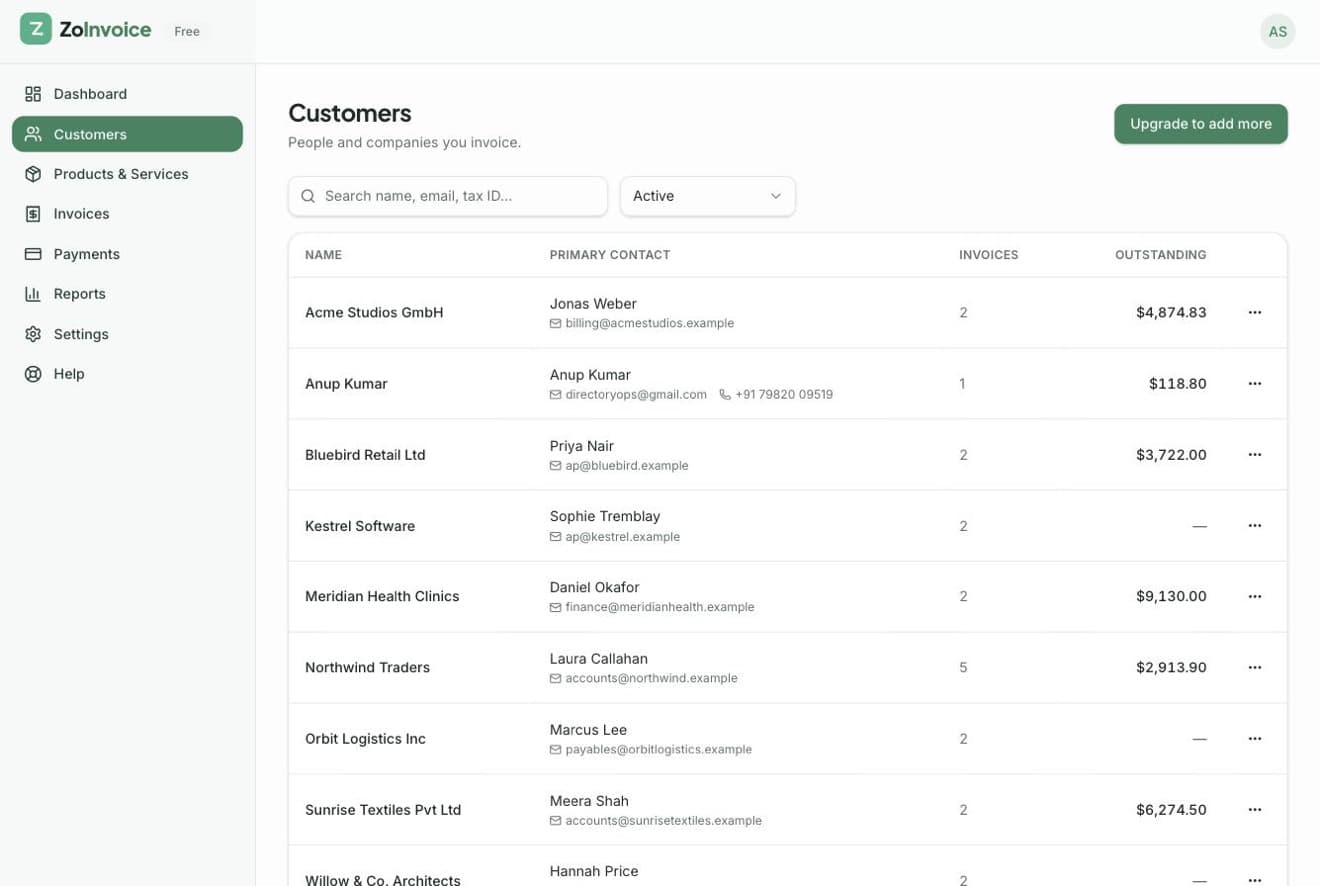
Contacts, tax IDs, billing and shipping addresses, plus what each customer still owes you.
06
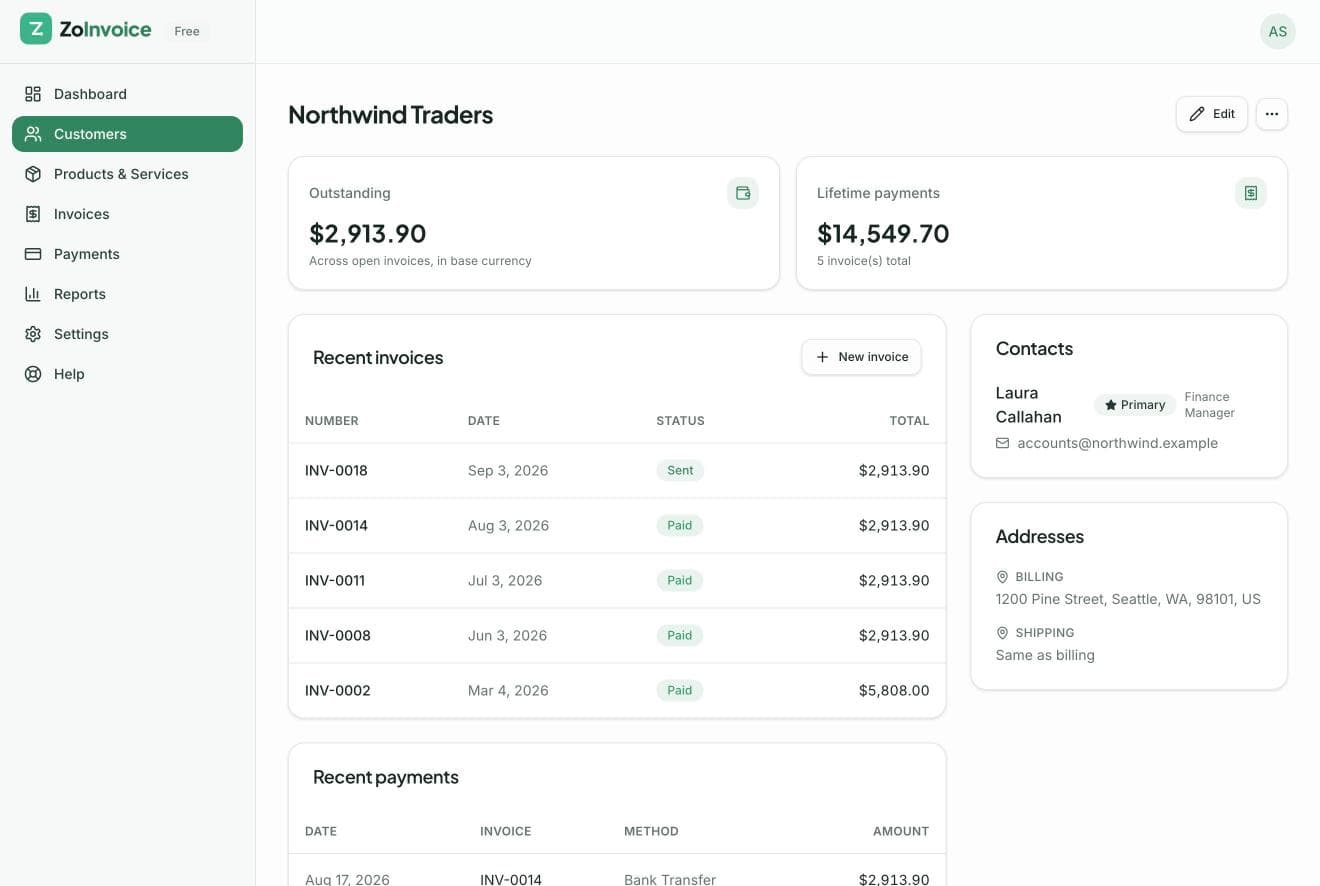
A complete history of invoices, payments and notes for each client.
07
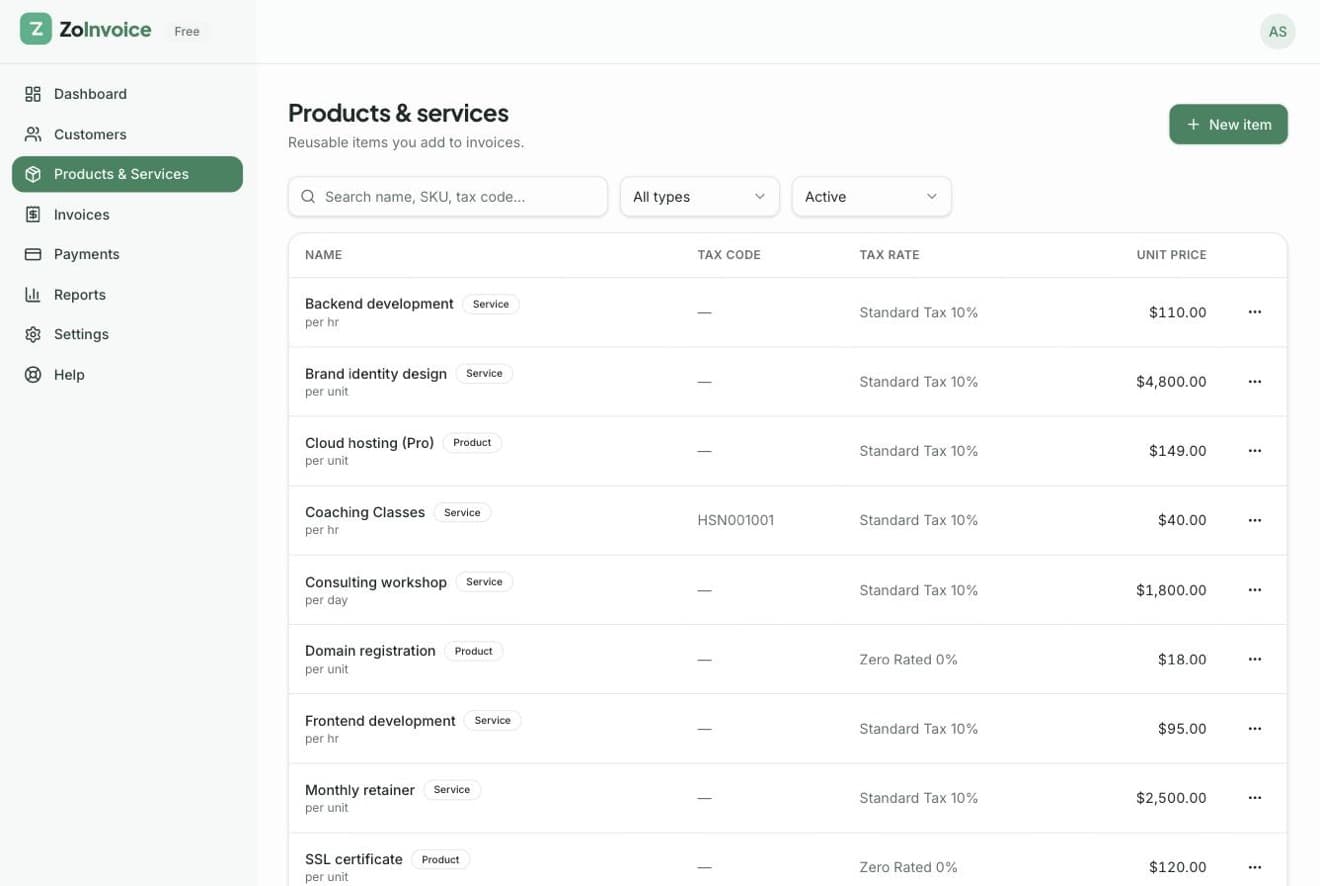
A reusable catalogue with units, SKUs, tax codes and default tax rates.
08
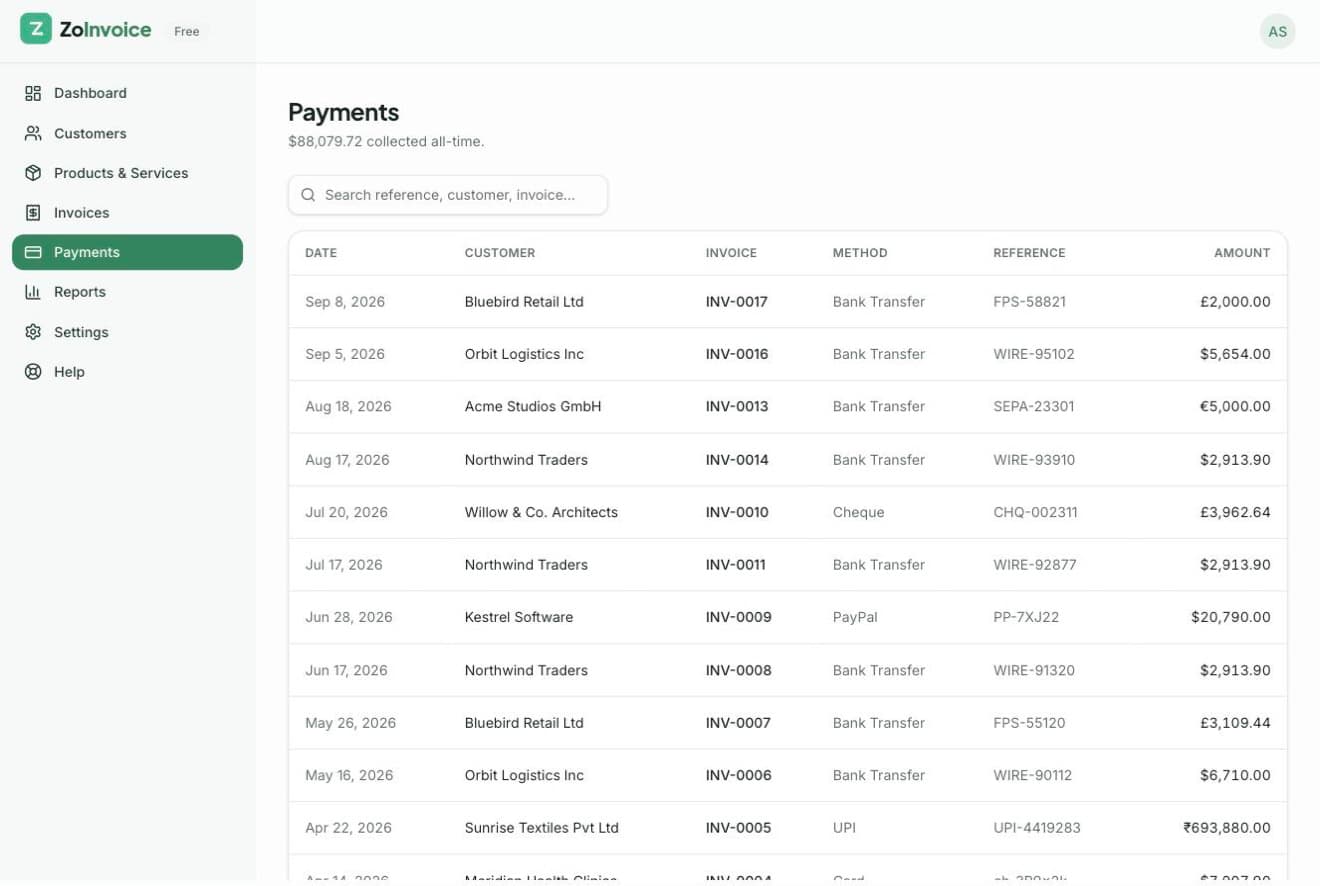
Full and partial payments with methods and transaction references, linked back to invoices.
09
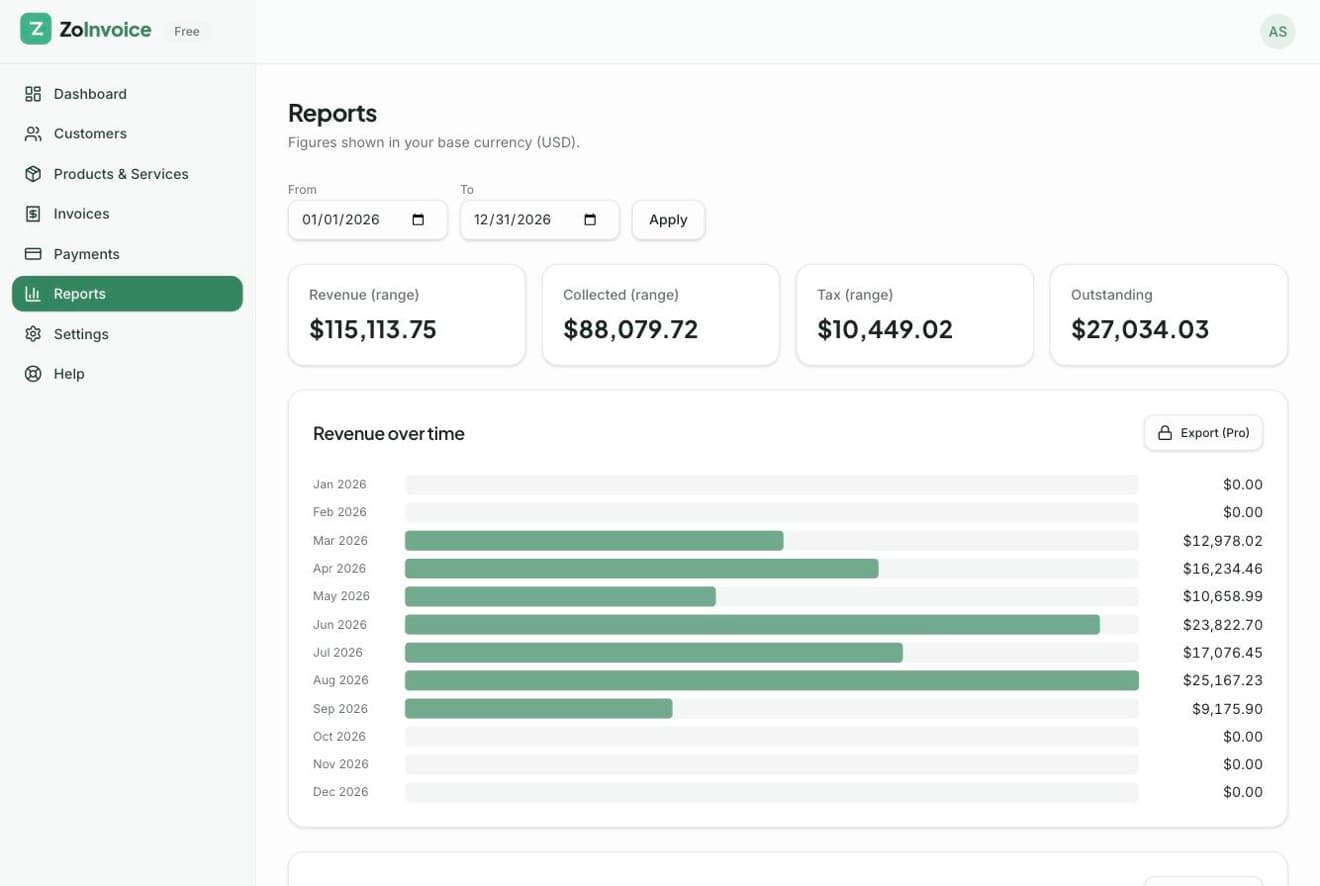
Revenue over time, tax summaries, aging receivables and sales by product, ready for your accountant.
10
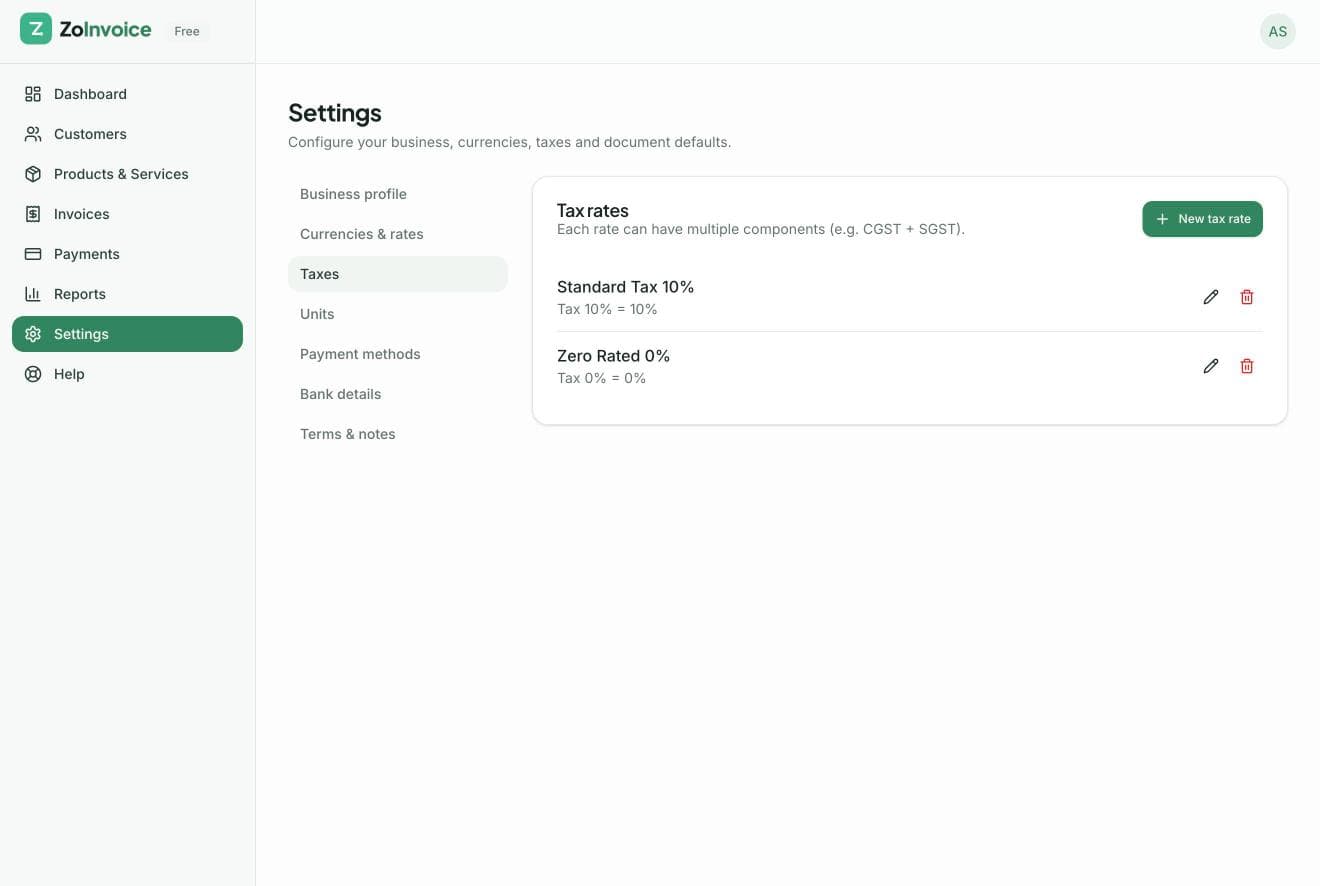
Branding, invoice numbering, currencies, exchange rates, taxes, bank accounts and text snippets.
Free to start, no credit card required. Your first invoice takes about two minutes.