Invoicing software you buy once and keep forever.
ZoInvoice is a fast desktop app for Mac, Windows and Linux. Send beautiful invoices and quotes, track payments, chase what's owed — and keep every record on your own computer.
Typical invoicing apps cost $15–$30 every month. ZoInvoice pays for itself in weeks.
Your customers and numbers never leave your computer. No servers to be hacked, no account to lose.
VAT, GST, HST, sales tax, IVA and more — with presets for the US, UK, Canada, Australia, the EU, Africa and Latin America.
Everything a small business needs to get paid.
No bloat, no learning curve. Just the features you'll actually use, done properly.
Customer records
Create a customer once — contact details, billing address, currency and payment terms — and everything follows them to every invoice. Search, edit and archive from one screen.
Bring your customers with you
Export your customer list from your old app or spreadsheet as a CSV file and import it in one go. You see every row before anything is saved, and customers already in ZoInvoice are left as they are.
Custom invoice PDFs
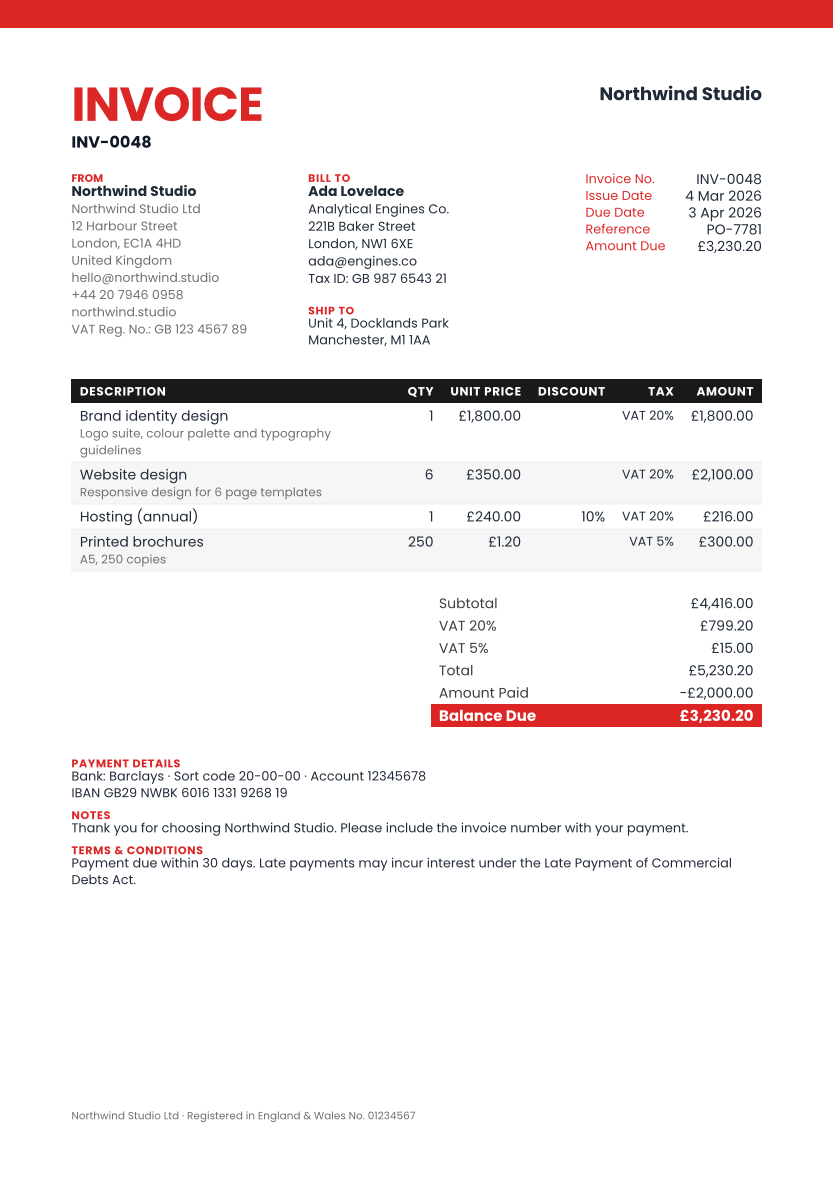
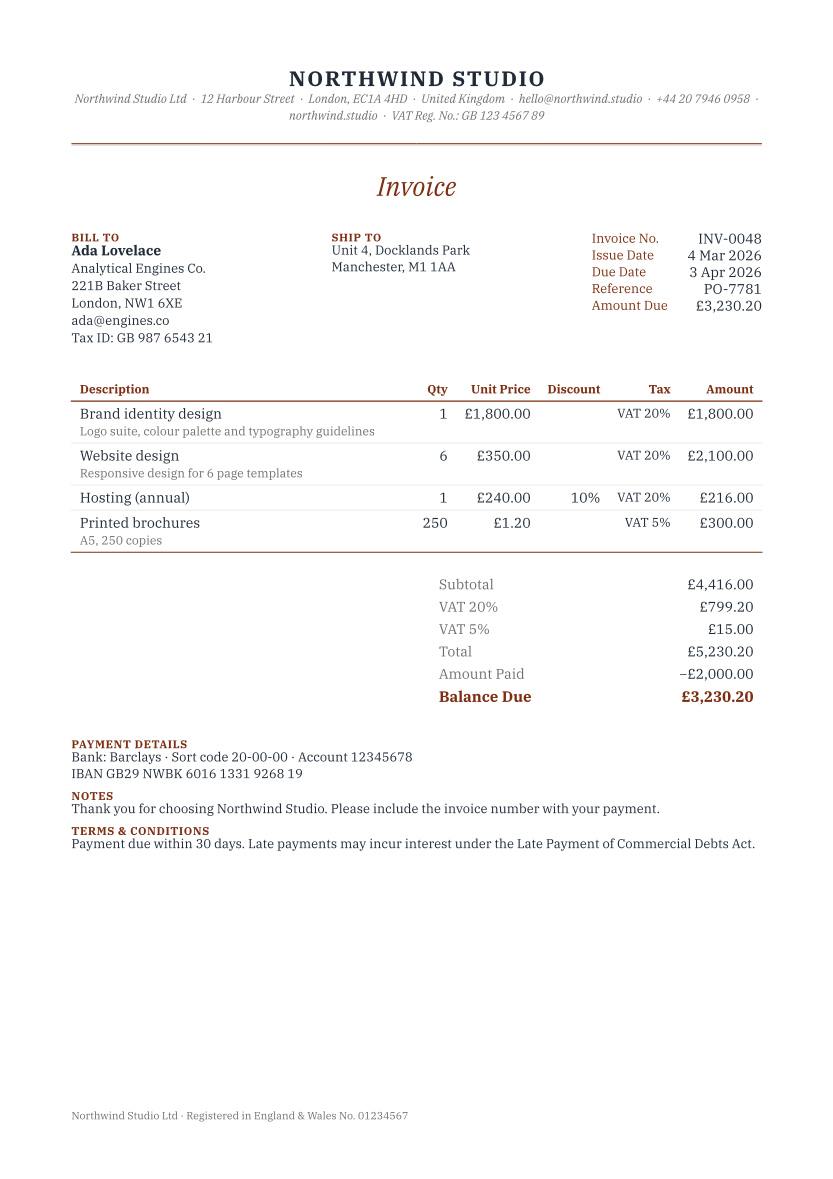
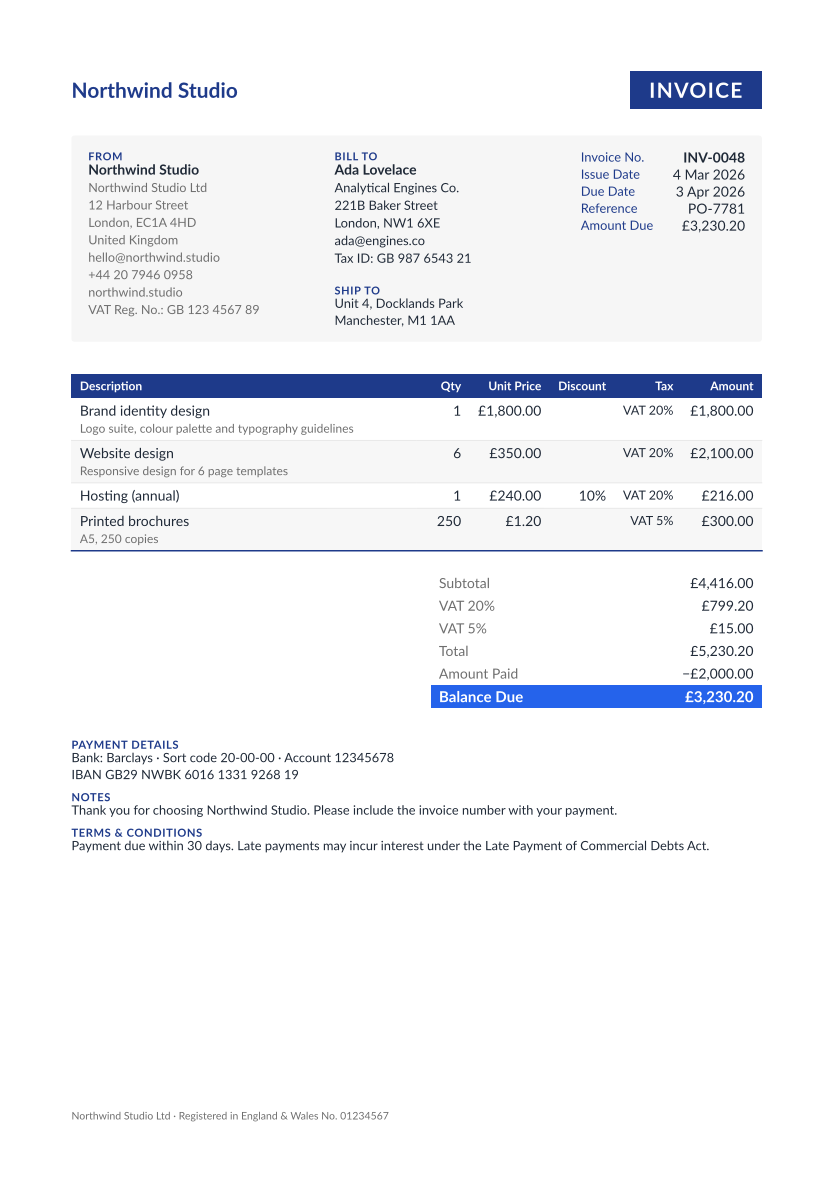
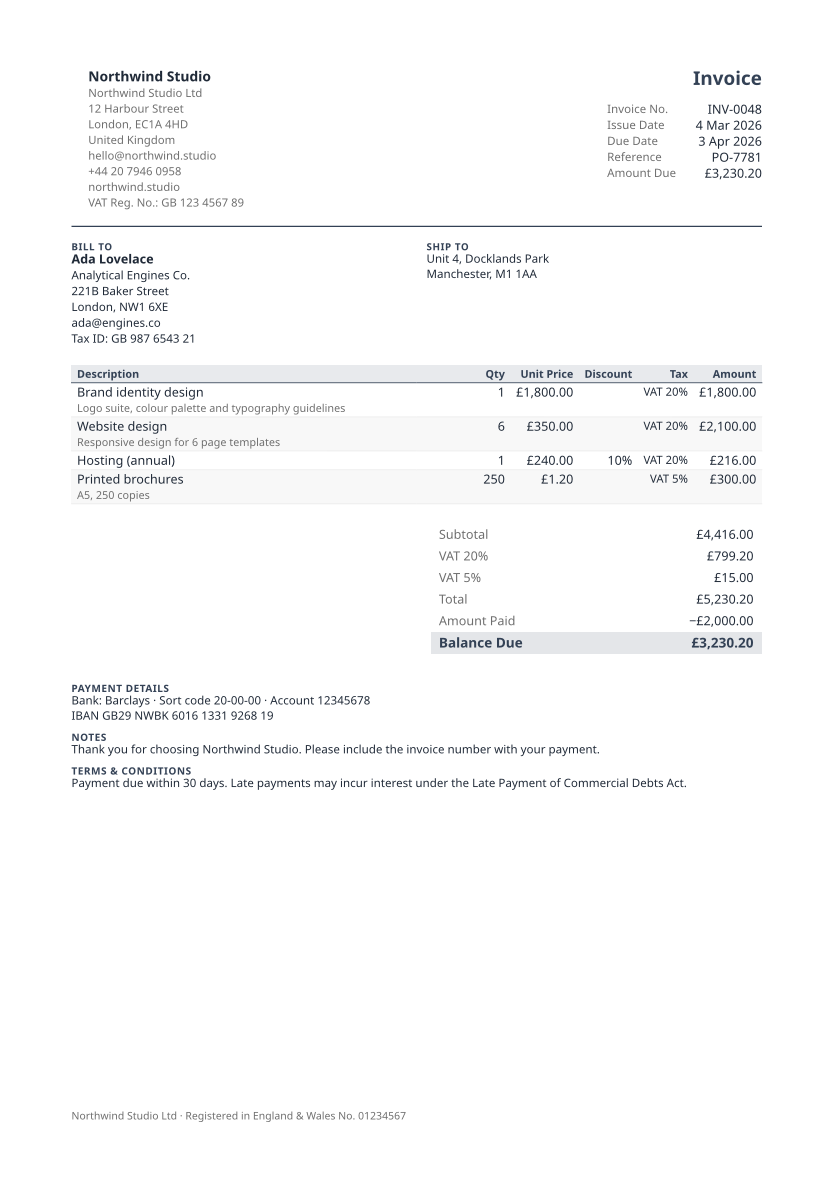
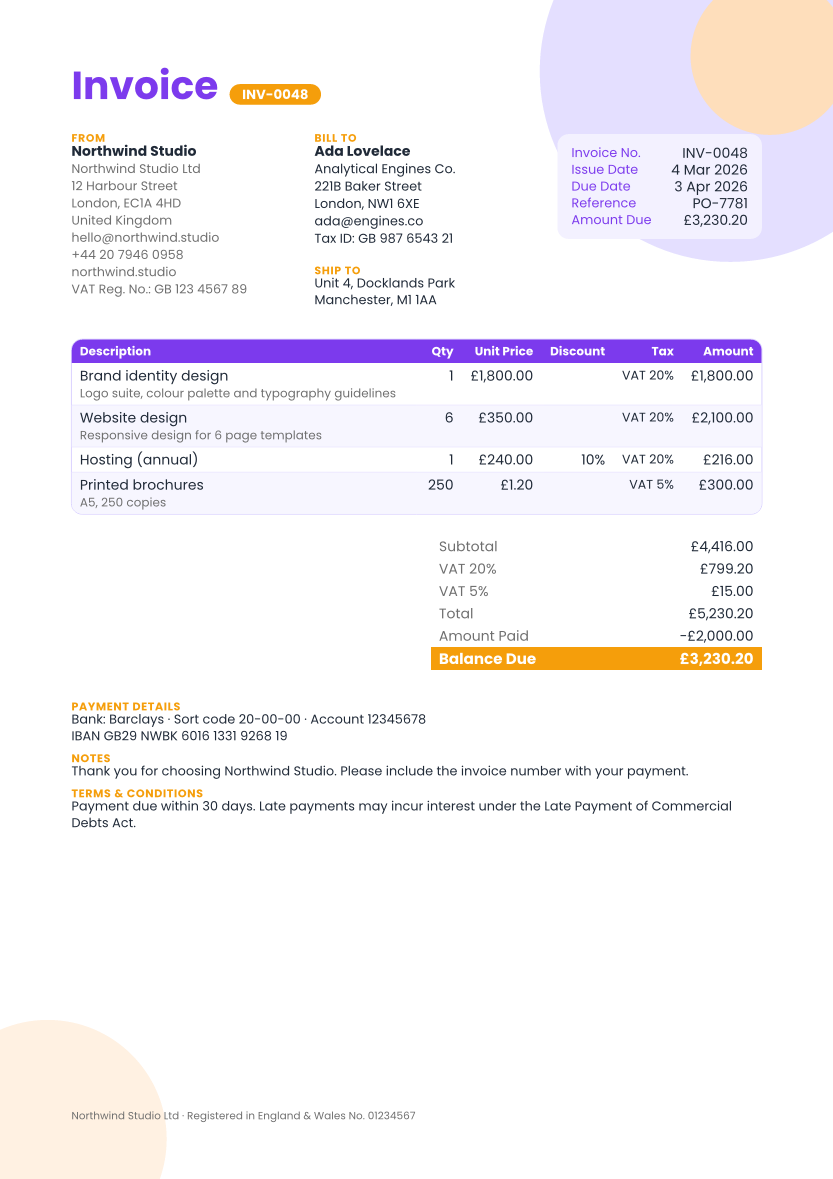
Add line items, discounts and tax rates. Upload your logo, choose your colours, set your footer text. PDFs are generated locally so they look identical on every machine and print correctly.
Quotes that become invoices
Price the job before you start. A quote has the same line items and tax as an invoice, its own numbering and a valid-until date. When the customer says yes, one click turns it into an invoice.
Recurring invoices
Set a template — weekly, monthly, quarterly or yearly — and ZoInvoice generates the invoice automatically. Miss a day? It catches up the next time the app opens.
Payment recording
Record full and partial payments against any invoice, with date, method, reference and notes. Outstanding balances update immediately and feed through to customer statements.
Customer statements
Generate a per-customer PDF covering any date range: opening balance, every invoice, every payment and the closing balance. Ready to email or save to their folder.
Email from your own address
Send invoices, quotes and statements with the PDF attached, through your own mail provider. Your customer gets them from you, and nothing passes through us.
Local scheduled backups
Schedule automatic backups to any folder on your machine. Point that folder at OneDrive, iCloud, Dropbox or Google Drive and your existing cloud sync handles the off-site copy.
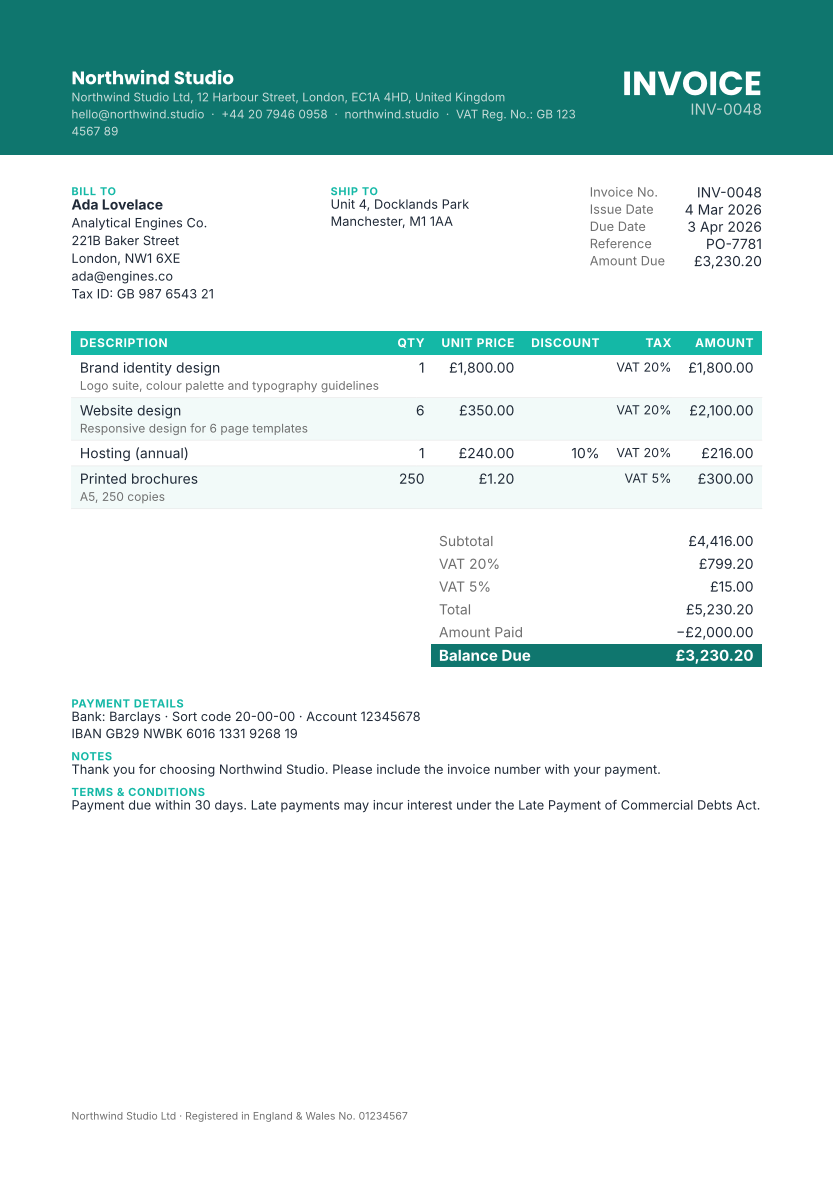
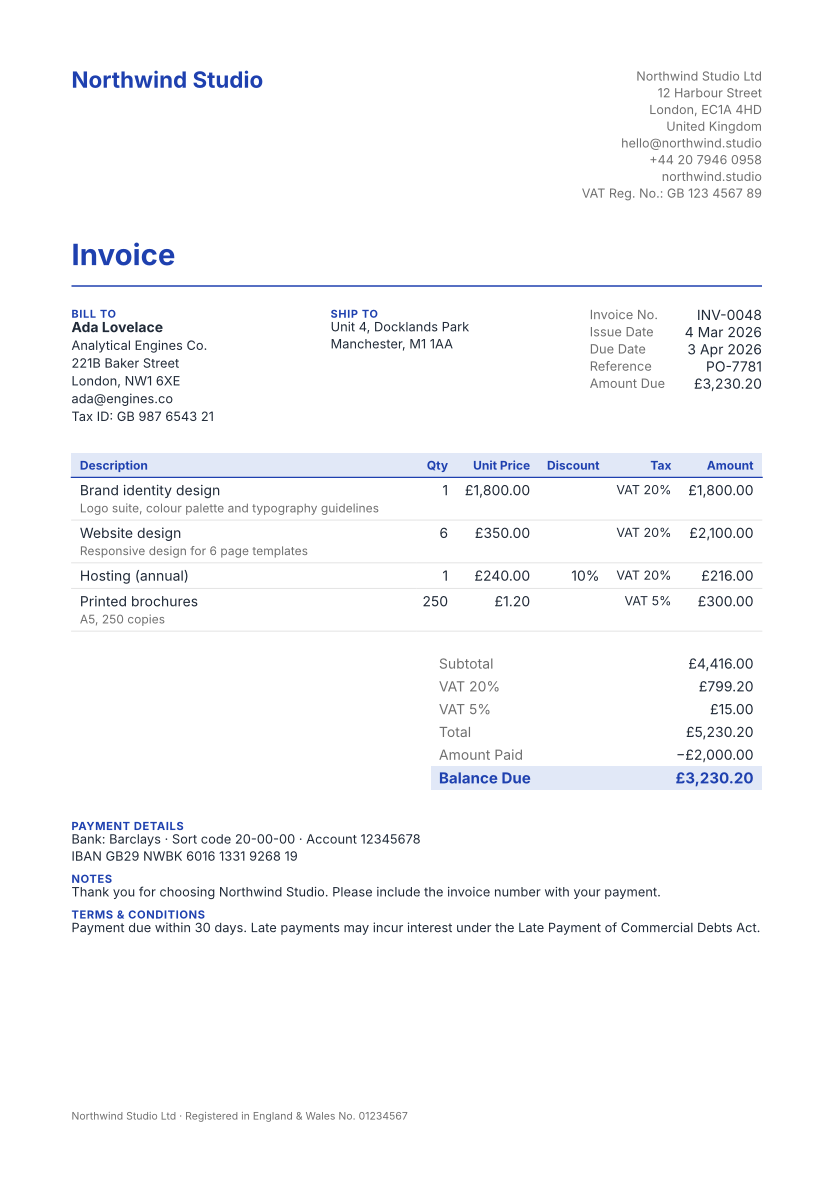
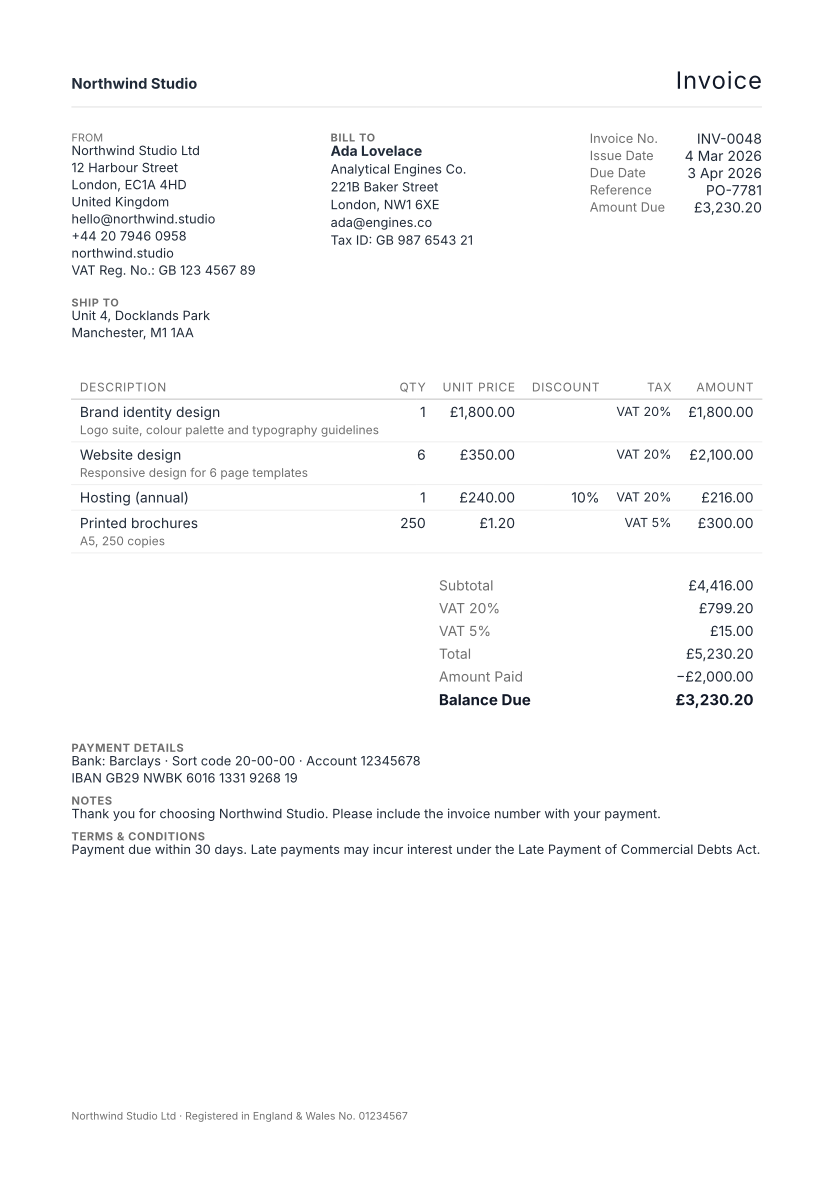
Eight designs. Endless ways to make them yours.
Pick a design, then change colours, fonts, logo size, paper size, labels and which details appear. Every PDF is generated on your computer with embedded fonts, so it looks exactly the same everywhere it's opened or printed.
And the details that matter.
Taxes for your country
VAT, GST, HST, PST, QST, sales tax, IVA, IRPF withholding — multiple and compound taxes per line, inclusive or exclusive pricing, reverse charge and tax-exempt customers. Presets for 40+ countries.
Credit notes
Correct an issued invoice the proper way. Create a credit note from any invoice and apply it against the balance.
Dashboard & reports
Outstanding and overdue at a glance, a 12-month chart, tax summary for your return, receivables aging, profit & loss and sales by customer or item. Export everything to CSV.
Products & services
Save the things you sell with price, unit and default tax, then add them to any invoice in one click.
Expense tracking
Log expenses with categories, tax and attached receipts, so your profit & loss report is complete.
Multiple businesses
Run more than one company from one install, each with its own numbering, taxes, branding and customers.
Multi-currency
Bill each customer in their own currency — 65+ currencies with correct decimals and symbols.
Five languages
The app and your PDFs in English, Spanish, Portuguese, French and German. Choose the PDF language per customer.
Your business data is your business.
ZoInvoice keeps everything in one file on your computer. There's no ZoInvoice account, no cloud database and no tracking. Emails go straight from your own mail provider to your customer.
- Works on a plane, in a basement, or when the internet is down
- Automatic backups to any folder — including the one your cloud drive already syncs
- Export customers, invoices, payments and reports to CSV any time
- Only goes online to activate your license once, send your emails, and (if you allow it) check for updates
Simple pricing. Pay once.
Start free. Upgrade inside the app whenever you're ready — your data comes with you.
Try it properly, for as long as you like.
Download free- Up to 5 customers
- 10 invoices & quotes per month
- Classic and Minimal designs
- Payments, credit notes, expenses
- Dashboard & reports
- Manual backups
No subscription. Pay once, keep it forever.
Buy lifetime license- Unlimited customers, invoices & quotes
- Recurring invoices with catch-up
- Email from your own address
- Customer statements
- All 8 designs, fully customisable
- CSV customer import
- Scheduled backups to any folder
- Multiple businesses
- No watermark on PDFs
- All future 1.x updates
Prices in USD; local taxes may apply at checkout. 30-day money-back guarantee. Activate on up to 3 of your computers.
Questions
Is it really a one-time payment? +
Yes. $35 buys a lifetime license for the current major version and every update we release for it. No subscription, no renewals.
Where is my data stored? +
In a single database file on your computer. ZoInvoice has no servers and no accounts. It only goes online to activate your license once, to send email through your own mail server, and to check for updates if you turn that on.
What do I get with the free version? +
Everything you need to try it properly: up to 5 customers and 10 invoices or quotes per month, Classic and Minimal designs, payments, credit notes, expenses, reports and manual backups. PDFs carry a small “Created with ZoInvoice Free” mark. Pro unlocks everything else.
How do I upgrade? +
Click “Upgrade” in the app (or buy here). After checkout your license key is emailed to you. Paste it into ZoInvoice and it's unlocked — all your data stays where it is.
Can I use it on more than one computer? +
Your license can be activated on up to 3 of your own computers. You can deactivate a computer at any time from Settings → License to move it.
Does it handle VAT / GST / sales tax? +
Yes. Create any number of named tax rates, apply several per line, use compound taxes (like Québec QST), price inclusive or exclusive of tax, and mark customers as tax-exempt or reverse charge. Country presets get you started in seconds.
What if my computer dies? +
Turn on scheduled backups and point them at a folder synced by iCloud Drive, OneDrive, Dropbox or Google Drive. Restoring on a new computer takes one click.
Which email providers work? +
Anything with SMTP: Gmail and Google Workspace, Outlook and Microsoft 365, Zoho, iCloud, Fastmail, Yahoo and your web host's mail. We include presets and step-by-step guides.
Do you offer refunds? +
Yes — if ZoInvoice isn't right for you, email us within 30 days of purchase for a full refund.
Send your first invoice in five minutes.
Free download for macOS, Windows and Linux.